
A widget for your Mac desktopPart of the DeskTiles family
One-time $4.99 / €4.99No accountNo cloudmacOS 15 or later
The easiest way to
file away your icons.
A folder hides what's inside until you open it. A tile keeps it in sight as a widget on your desktop — or out of sight when you'd rather not see it. You decide, any time.
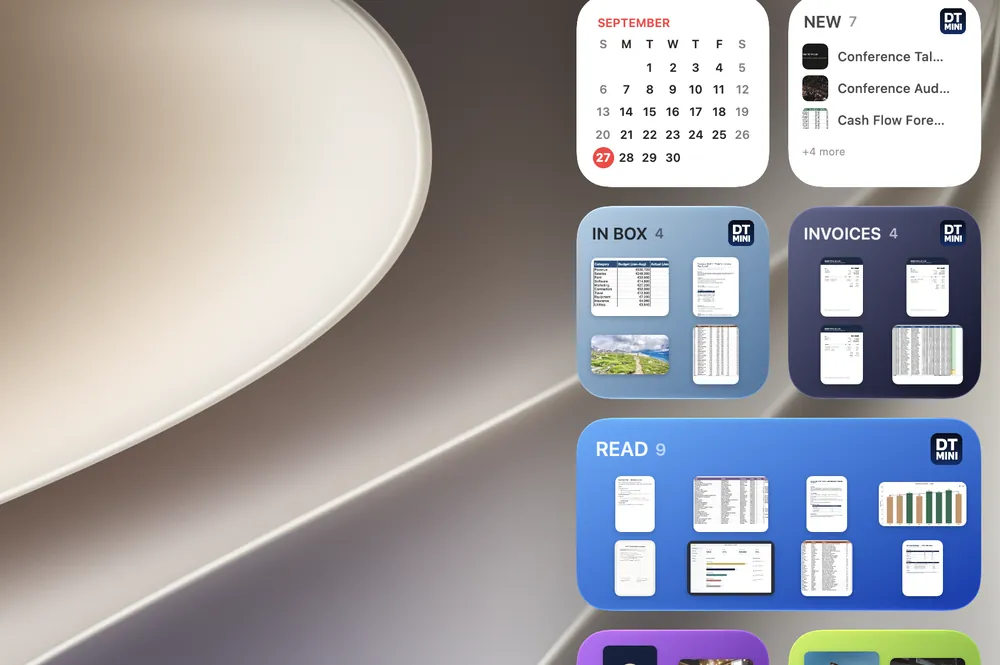
In sight: a glance, no clicks.
Put a tile on your desktop or in Notification Center and see your files right there.

Out of sight: a clear desktop.
Leave the widget off and your desktop stays clean. Everything is still one tile away in the app.
100 icons on your desktop?
One tile. Desktop free.
Select everything cluttering your desktop, drop it into one tile, and it's gone — not deleted, just organized. Your desktop, empty. Your files, one glance away.
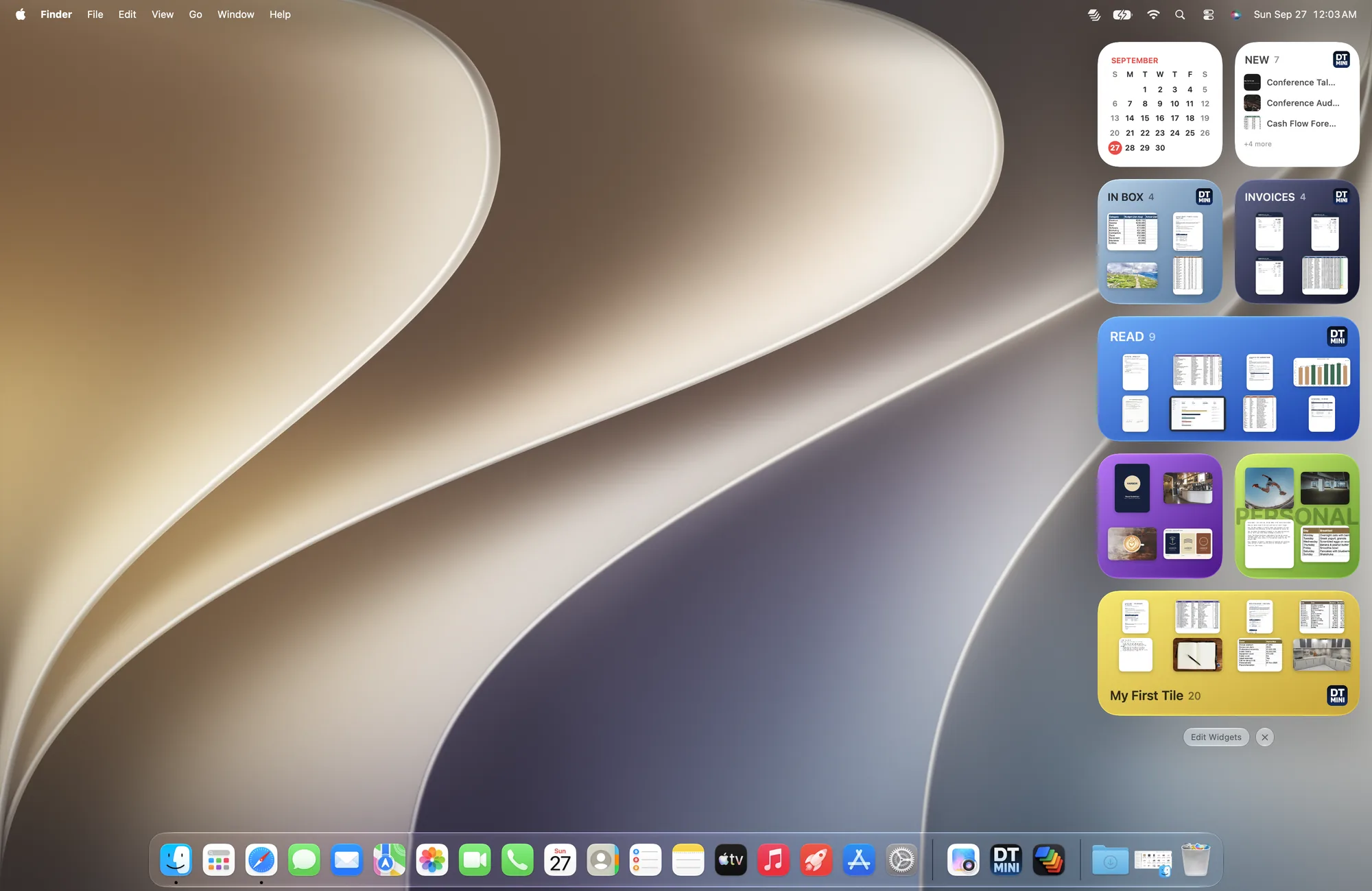
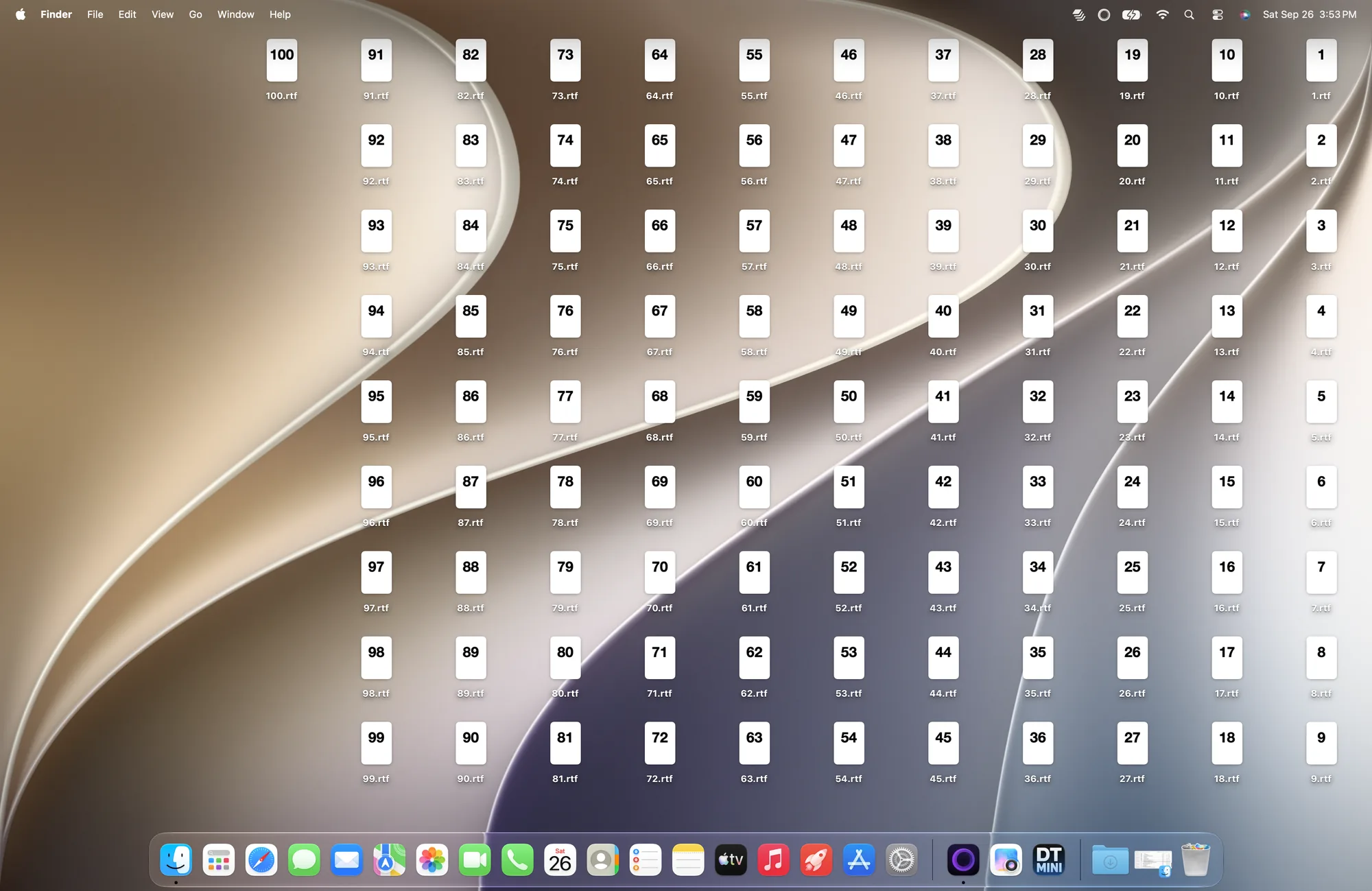 BeforeAfter
Drag to compare — the same desktop, one gesture later.
Three steps.
Your files, a glance away.
Group your files in agile tiles — visible or tucked away, always fast.
Create a tile.
Group any files into a tile — a project, a client, your downloads. Takes seconds.
Drop it as a widget.
Add it from the widget gallery to your desktop or Notification Center. Small, medium or large.
Swap it anytime.
Working on something else? Right-click the widget, choose Edit Widget and pick another tile — no new widget needed.
Right-click the desktop, choose Edit Widgets, add DeskTiles Mini and pick a tile.
Wait… where did my 100 icons go?
Into one tile. Your desktop, clear.

One widget. Three sizes.
On your desktop or in Notification Center.
- TileSmallMediumLarge
- One tile, your files at a glance. Right-click, choose Edit Widget and pick a different one.

A window that takes on your tile's color.
Select a tile and the whole window glows in its color. Three living backgrounds — Aurora, Tide and Halo — each moves the light in its own way. Switch one on in the app whenever you like.
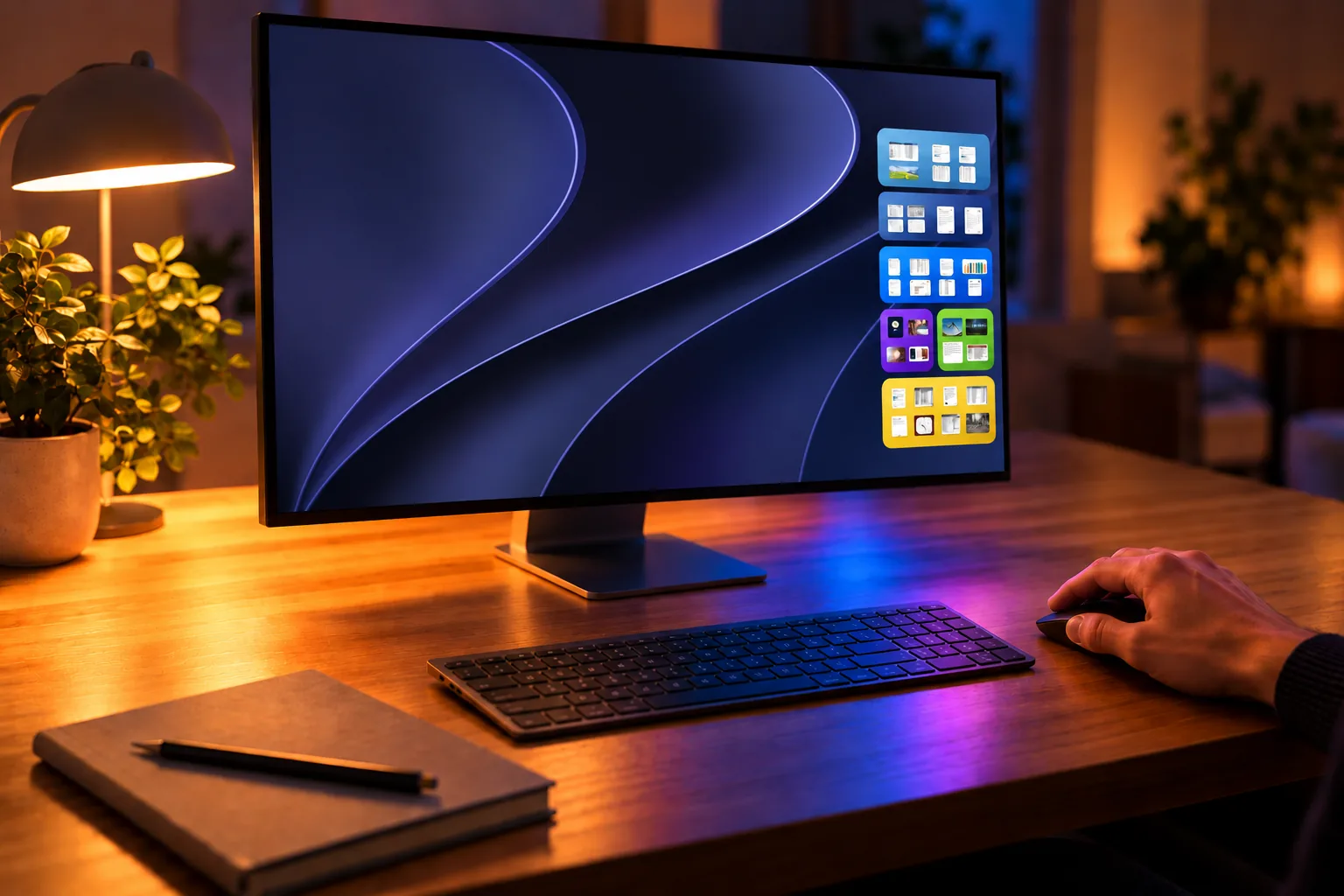
DeskTiles Mini is a widget.
Your tiles live in the macOS widget gallery — on your desktop or in the sidebar — always one glance away. Group, swap, glance. Nothing to manage.
Get DeskTiles Mini — $4.99 / €4.99Looking for a full desktop organizer? That's DeskTiles, a separate app — it is not a widget.
Simple pricing.
One purchase. Everything included. Forever.
One-time purchase, no subscription
- One widget, in three sizes: small, medium and large
- Desktop & Notification Center
- Swap a widget between tiles anytime
- Three living backgrounds: Aurora, Tide, Halo
- Native macOS app, no cloud
- macOS Sequoia, Tahoe & Golden Gate (macOS 15+)
- All future updates included
- No account · No subscription
Your files never leave your Mac. Already own DeskTiles? You can use both side by side.

Questions
Yes, they are different apps. DeskTiles Mini is a widget: a tile of your files, one glance away on your desktop or in the widgets sidebar. DeskTiles is a full desktop organizer, not a widget. You can use both.
No — DeskTiles Mini works on its own.
$4.99 / €4.99, one time. No subscription, no monthly fee. All future updates are included.
DeskTiles Mini needs macOS 15 or later: Sequoia (15), Tahoe (26) and Golden Gate (27).
They are moved into the tile's folder on your Mac, not copied. So a file that lives in iCloud Drive, Dropbox or a shared folder would leave that folder and stop syncing. For anything that has to stay where it is, don't drop the original.
No. Everything stays on your Mac. DeskTiles Mini has no server, no account, no telemetry.
Yes. Right-click the widget, choose Edit Widget, click the blue tile name next to "Tile", and pick another tile. You can do this whenever you like — there is no need to add a new widget each time.
Yes. DeskTiles Mini has no server, no account and no telemetry, and the app contains no code that sends your files or data anywhere. Your files stay on your Mac, on your drive, under your control.
Your files, always
where you need them.
macOS Sequoia, Tahoe & Golden Gate (macOS 15 or later).
Works entirely on your Mac. No cloud. No account.

$4.99 / €4.99
One-time purchase · All future updates included